#
Steam
Steam ID 480 cannot be used anymore. You require to pay Steam Direct Fee to be able to use Steam Login
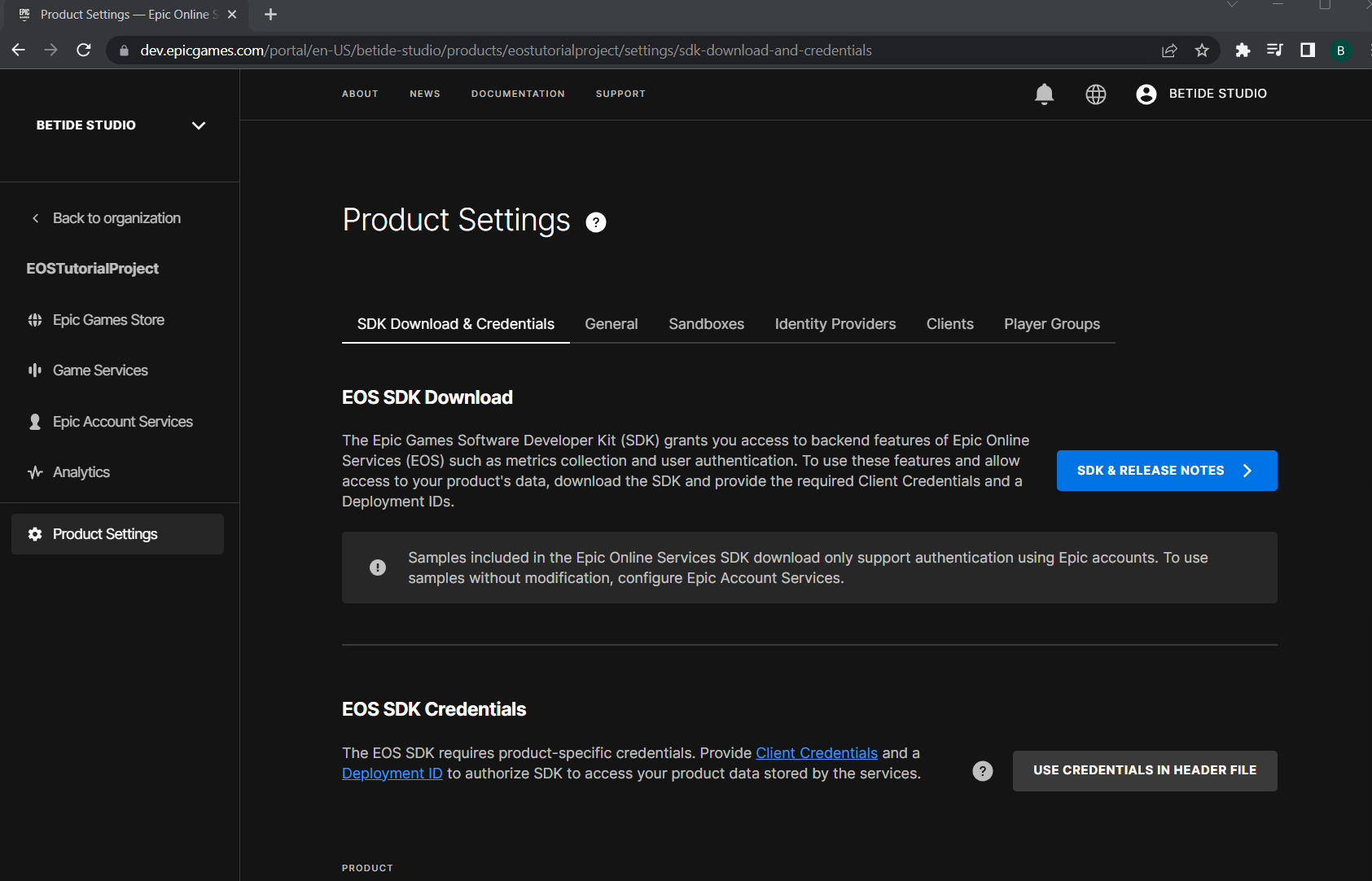
- Go to your EOS Dev Portal and then to Product Settings of the product/game you are using.
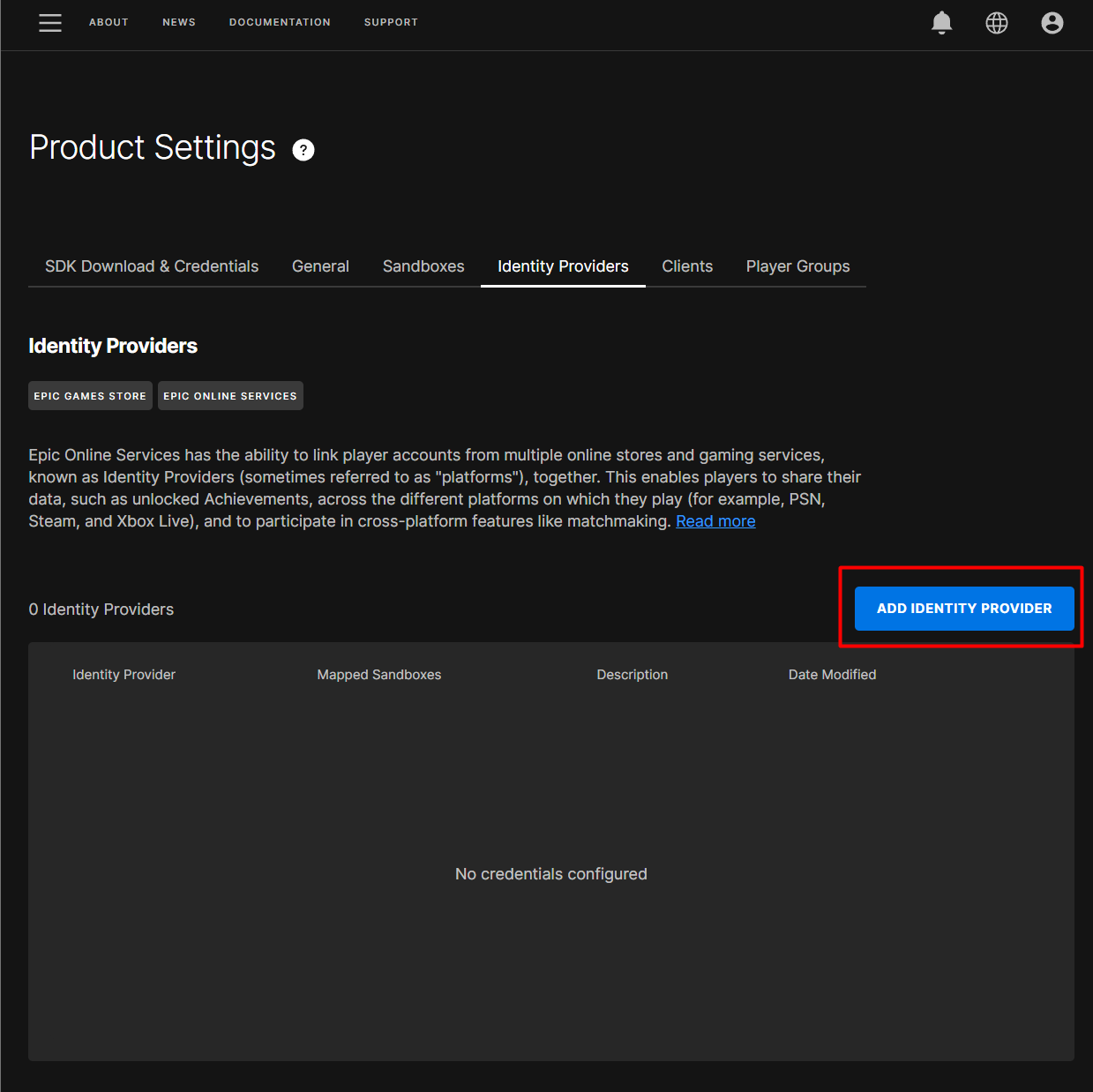
- Go to Identity Providers, and press on Add Identity Provider
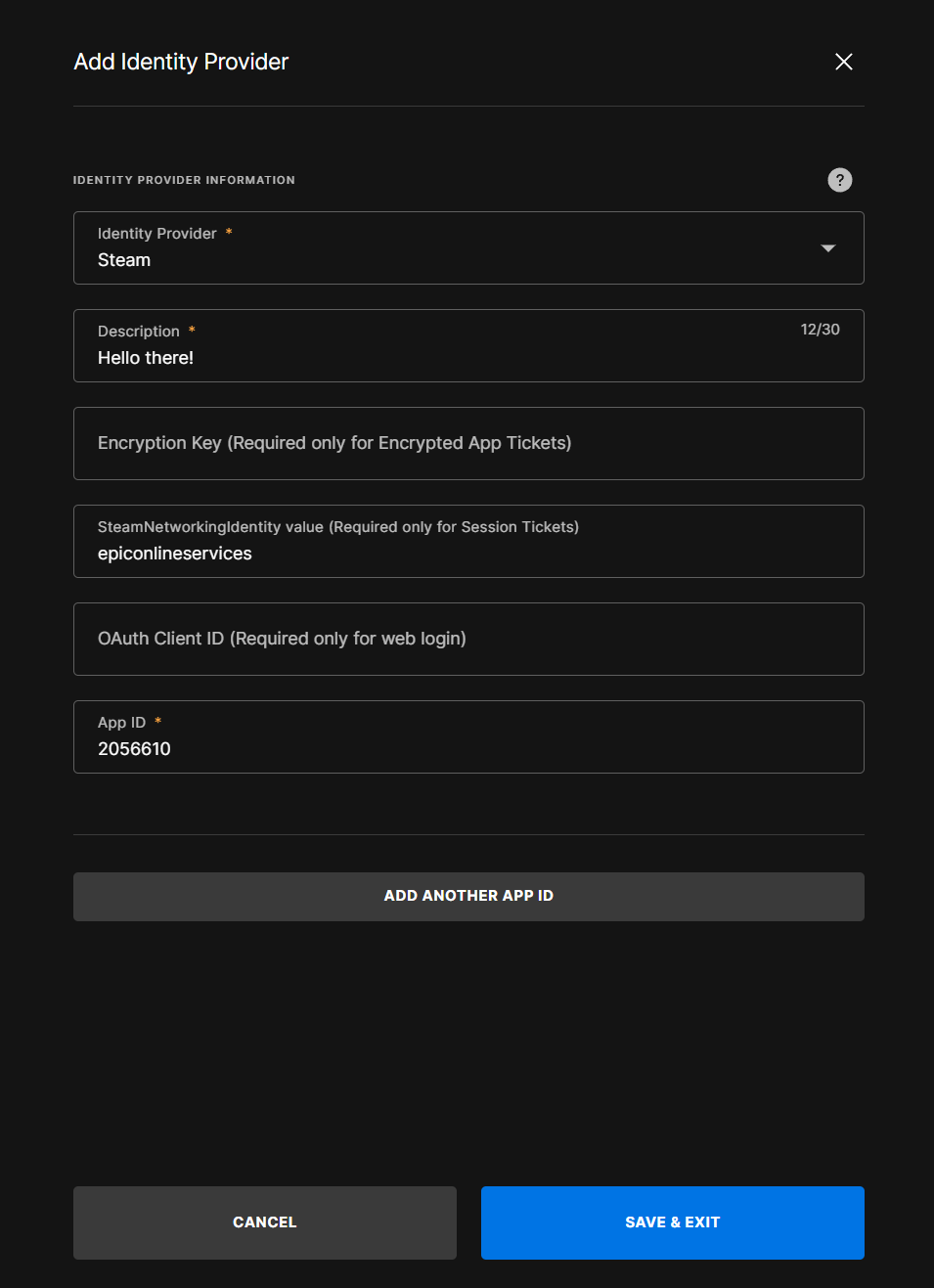
- Set the Steam ID to be same as your Steam ID
Set Steam Networking Identity and Encryption Key to be empty.
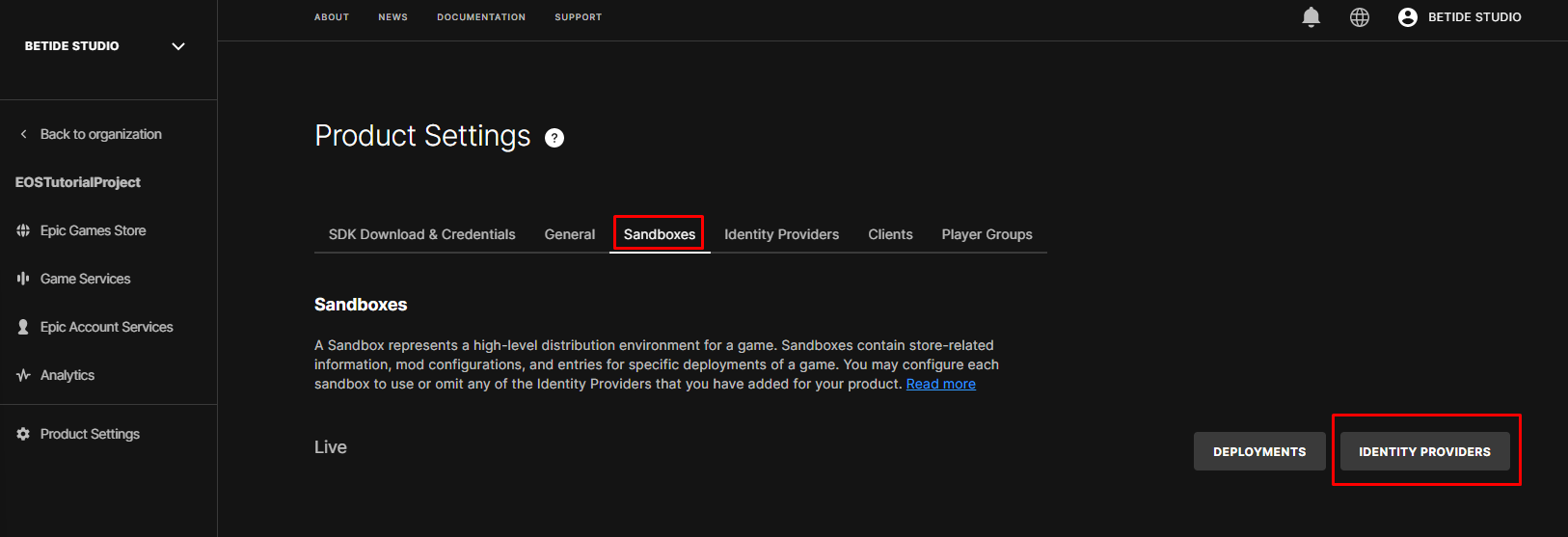
- Now go to Sandboxes and the press on Identity Providers and select Steam and Save
- Headover to Unreal Engine, then Plugins and enable Online Subsystem Steam
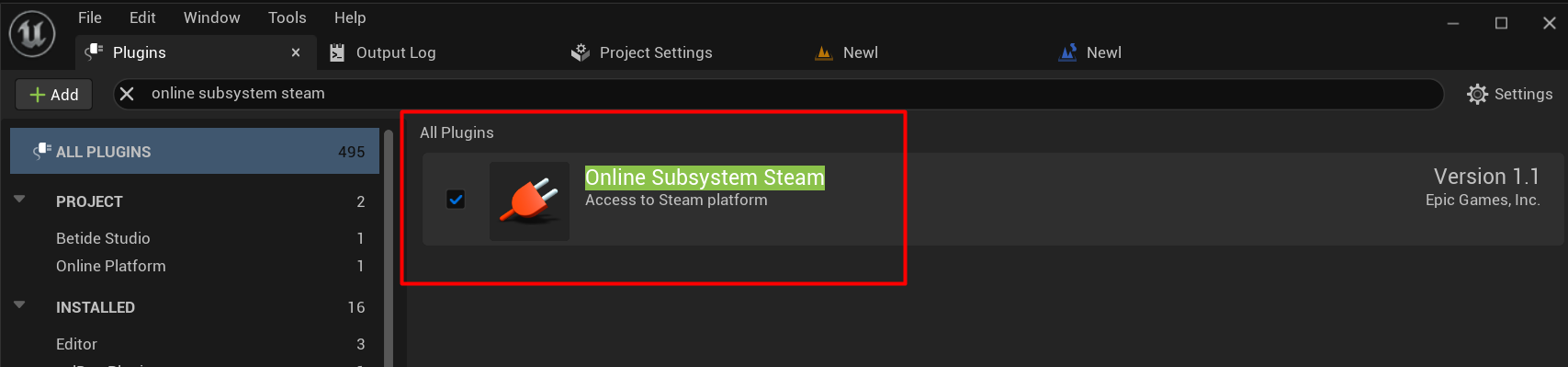
- Configure the
DefaultEngine.iniand add these lines
[OnlineSubsystemSteam]
bEnabled=true
SteamDevAppId=[Your Steam ID]
One more thing to configure is the [OnlineSubsystem] in the same file
[OnlineSubsystem]
DefaultPlatformService=EIK
NativePlatformService=Steam- Call this blueprint code to login using EIK